


aGrUM: C++ Library for Probabilistic Graphical Models
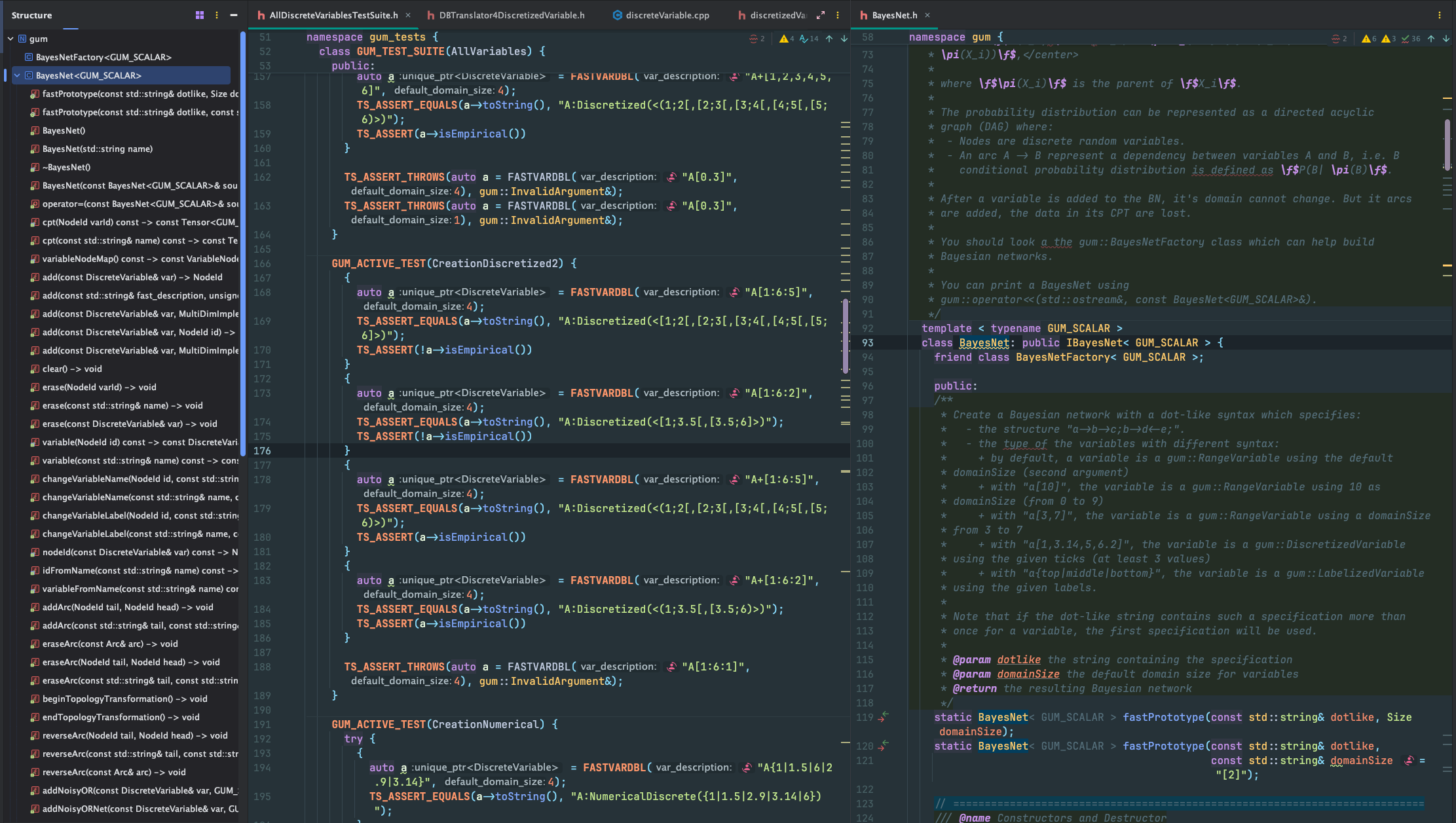
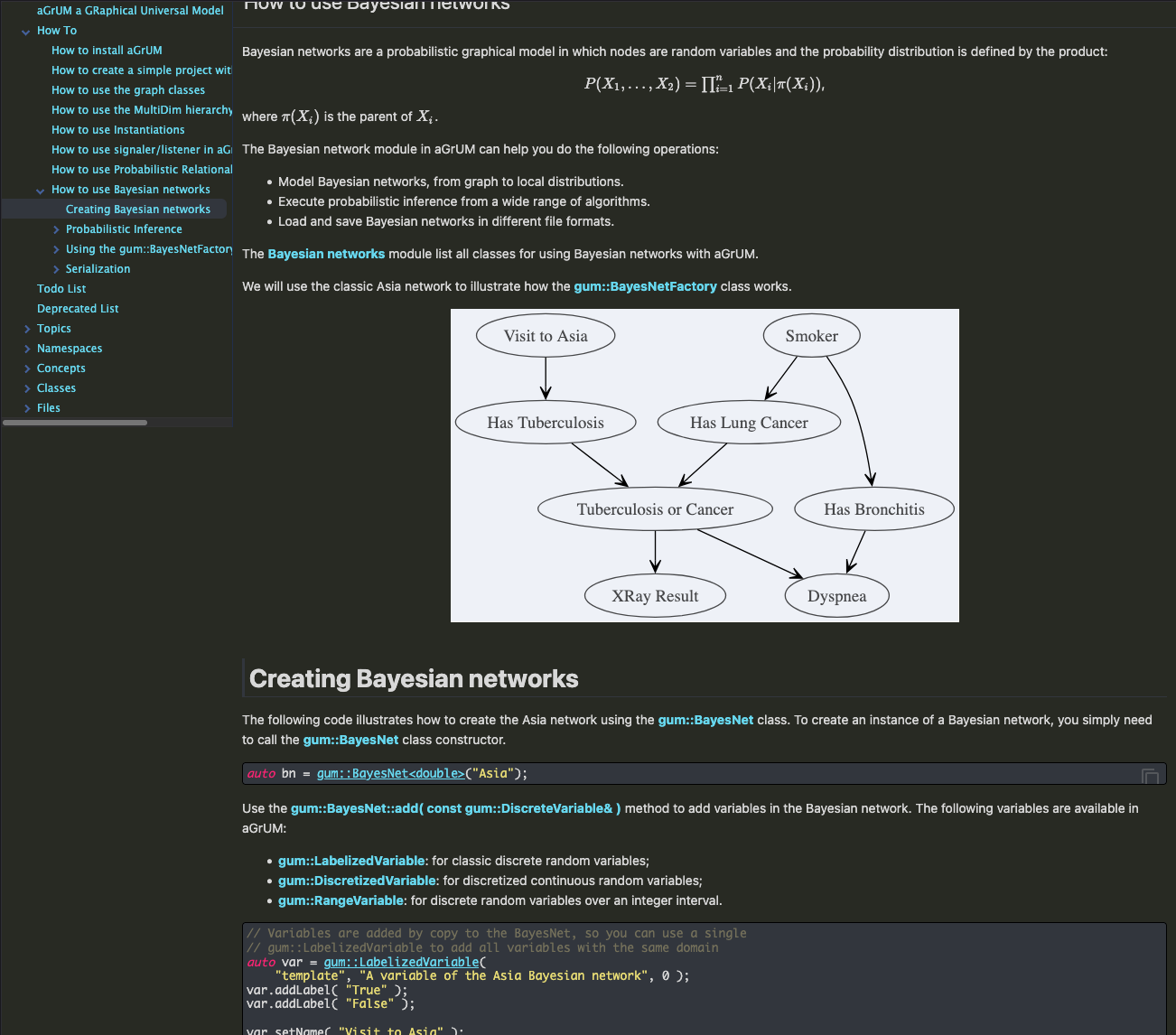
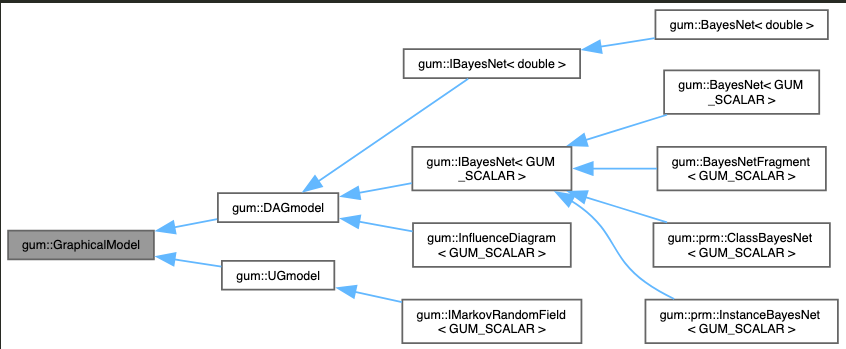
aGrUM is a C++ library for graphical models. It is designed for easily building applications using graphical models such as Bayesian networks, influence diagrams, credal networks, Markov random fields, decision trees, GAI networks, (Factored) Markov decision processes, etc.

Features
- Dedicated data structures
- Lightweight directed/undirected graphs
- Extensible multidimensional matrix
- Bayesian Network algorithms
- Research tools (random generation, introspection)
- Integration tools (listeners, multiple formats)
aGrUM is (L)GPL, cross-platform (Linux, Windows, Mac), and hosted on Gitlab.
Models & Functionalities
| Model | Domain | Features |
|---|---|---|
| Bayesian Network | Input/Output | bif, bifxml, dsl, net, uai, o3prm formats |
| Parallelized Exact Inference | Variable Elimination, Shafer-Shenoy, Lazy Propagation, Marginal & Joint Targets, Optimized Relevance Reasoning, Incremental Inference | |
| Approximated Inference | Gibbs Sampling, Weighted Sampling, Importance Sampling, Loopy Belief Propagation, Gibbs, Weighted, Importance LoopySampling | |
| Parallelized Parameter Learning | Pure max-Likelihood, Laplace, Dirichlet, Multiple Score, Parametric EM for missing values | |
| Parallelized Structural Learning | Score-based: Greedy Hill-Climbing, Local Search with Tabu-list, K2; Information-based: 3off2, miic; Graphical Constraints | |
| Algorithms | Exact & Approximated distance/divergence (KL, Bhattacharya, Hellinger), Mutual Information, Entropy, Simulation, Markov Blanket, Essential Graph | |
| Markov Network | Input/Output | uai |
| Parallelized Inference | Shafer-Shenoy | |
| Influence Diagram | Input/Output | bifxml |
| Inference | Junction Trees | |
| Probabilistic Relational Model | Input/Output | O3PRM language parser |
| Exact Inference | Structured Variable Elimination (SVE) | |
| Credal Networks | Parallelized Approximated Inference | GL2U, MC Sampling |
| FMDP | Input | - |
| Planning | SVI, SPUDD | |
| Multi-Valued Decision Diagram | SPUnDD |
Legend: Original features in aGrUM.
Latest Releases
aGrUM/pyAgrum 3.2.0 released
- pyAgrum ...
aGrUM/pyAgrum 3.1.0 released
- pyAgrum ...
aGrUM/pyAgrum 3.0.0 released
This major release brings three headline changes: the causal module is promoted from pure Python to a first-class C++
module (CM), structure learning is extended with PC, FCI (with PAG output), GreedyThickThinning, and triangle ...
Installation
linux
Quick Install
git clone https://gitlab.com/agrumery/aGrUM.gitcd aGrUMpython act install release aGrUM --static -d INSTALL_PATHDepending on where you want to install aGrUM, you might need to run the last command as root.
Requirements
- C++20 compiler
- Python>=3.10
- Git
windows
Quick Install
- Clone aGrUM on your computer.
- Be sure to have CMake, Python, and MSBuild in your PATH environment variable.
- Open a command prompt in the aGrUM root directory and run:
python act install release --windows=mvsc19 -d INSTALL_PATHRequirements
- Visual Studio 2015/17/19/22, 32 or 64 bits, or MinGW64:
--windows=mvsc22|mvsc22_32|mvsc19|mvsc19_32|mvsc17|mvsc17_32|mvsc15|mvsc15_32|mingw64- CMake
- Python
Alternatives
You should be able to build aGrUM using the MinGW toolchain or Cygwin:
--windows=mingw64macos
Homebrew
- Install Homebrew. Be careful of the requirements (in particular, Xcode and Command Line Tools for Xcode).
- Install needed Homebrew packages:
brew install bash coreutils git cmakeEnvironment
Then set your environment. For example, if you installed gcc-4.9 using Homebrew:
export CC=$(which clang)export CXX=$(which clang++)aGrUM Compilation
Now the installation is the same as for Linux:
git clone https://gitlab.com/agrumery/aGrUM.gitcd aGrUMpython act install release aGrUM --static -d INSTALL_PATHInstallation
Quick Install
git clone https://gitlab.com/agrumery/aGrUM.git
cd aGrUM
python act install release aGrUM --static -d INSTALL_PATH
Depending on where you want to install aGrUM, you might need to run the last command as root.
Requirements
- C++20 compiler
- Python>=3.10
- Git
Quick Install
- Clone aGrUM on your computer.
- Be sure to have CMake, Python, and MSBuild in your PATH environment variable.
- Open a command prompt in the aGrUM root directory and run:
python act install release --windows=mvsc19 -d INSTALL_PATHRequirements
- Visual Studio 2015/17/19/22, 32 or 64 bits, or MinGW64:
--windows=mvsc22|mvsc22_32|mvsc19|mvsc19_32|mvsc17|mvsc17_32|mvsc15|mvsc15_32|mingw64- CMake
- Python
Alternatives
You should be able to build aGrUM using the MinGW toolchain or Cygwin:
--windows=mingw64Homebrew
- Install Homebrew. Be careful of the requirements (in particular, Xcode and Command Line Tools for Xcode).
- Install needed Homebrew packages:
brew install bash coreutils git cmakeEnvironment
Then set your environment. For example, if you installed gcc-4.9 using Homebrew:
export CC=$(which clang)
export CXX=$(which clang++)
aGrUM Compilation
Now the installation is the same as for Linux:
git clone https://gitlab.com/agrumery/aGrUM.git
cd aGrUM
python act install release aGrUM --static -d INSTALL_PATH